
Remind Hub schools are planning their switch.
Your roster can be moved in 5 minutes.
ParentSquare is offering Remind Hub schools help planning a move onto its platform. If nobody is buying that for your class, team, troop, or club, Cronote is the independent replacement: import your roster, send the message by text and email, and get an answer you can act on. Send once. See who confirmed. Get told who has not answered, so you follow up in one tap.


Free to start. Parents and members install nothing and make no account. Cronote is not affiliated with Remind or ParentSquare. Sending reminders since 2010.

Your school may get a transition plan. Your own list may not.
ParentSquare is sold to districts and administrators. If you signed yourself up for a free class, check whether anyone is migrating you, and if the answer is a group text, know what it costs you: the one question that matters gets buried under forty replies.
Import the roster. Send the ask. See who answered.
- Import your roster CSV: Export your list from wherever it lives and import it in one step. Phone numbers or emails both work, and you can mix them.
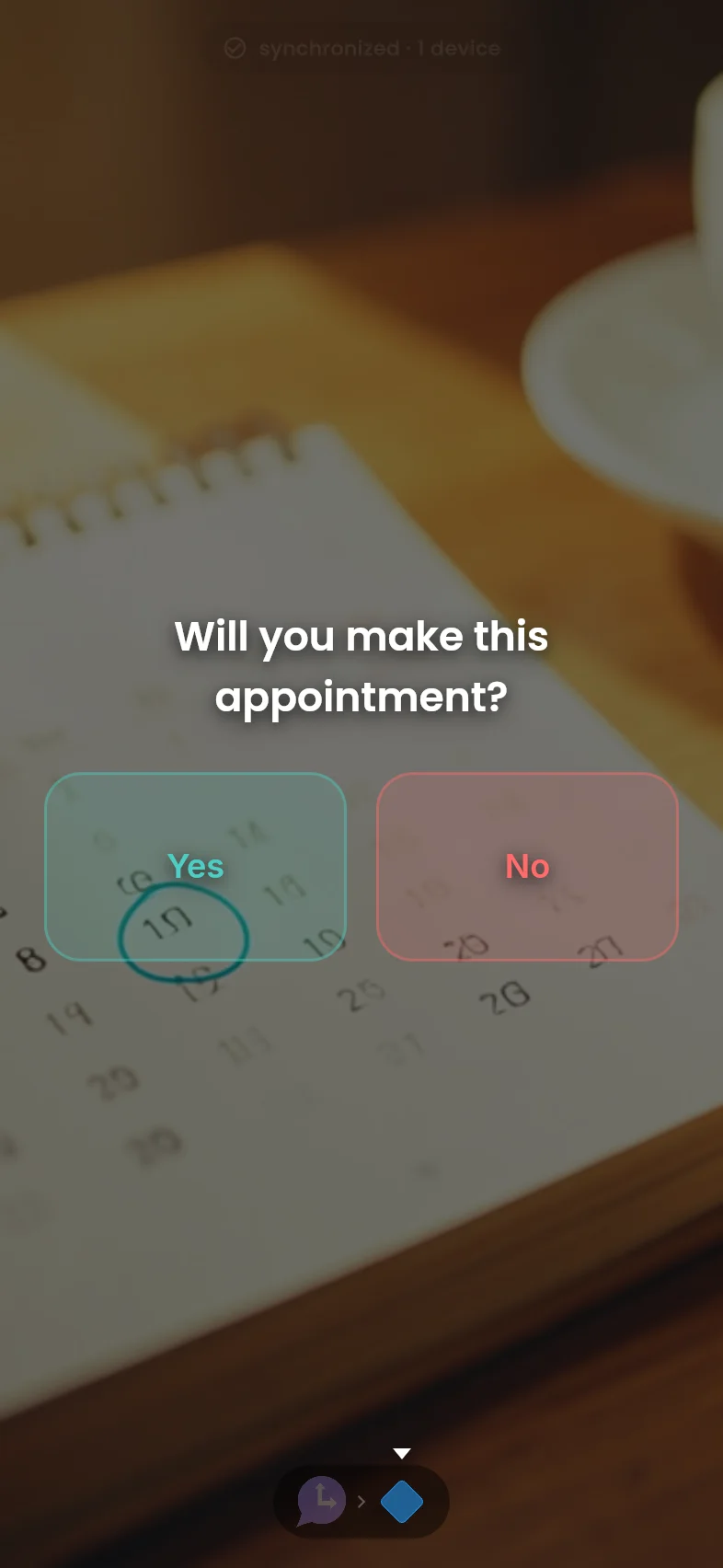
- Send the ask: Write the message once and add the one-tap question: "Can you make it? Confirm or Need to reschedule" or "Signed slip back? Done or Not yet." It goes out by text, email, and push at once.
- See who confirmed and who still owes an answer: Every reply lands on one roster view, name by name. No answer by your deadline and Cronote notifies you, so you follow up with exactly the right people in one tap.
- Parents install nothing: The message arrives as a normal text or email with a web link. No app, no account, no class code.
The three broadcasts every group leader sends.
Build each one once. Send it to the whole roster, and only hear about the people who have not answered.
The permission slip chase
"Field trip forms are due Friday. Signed slip back? Done or Not yet." One tap back from each parent and your checklist fills itself. No answer by Wednesday and you get notified, so Thursday's follow-up goes to three families instead of thirty.
 Moment→
Decision
Moment→
Decision
Who is coming Saturday
"Game at 9am at Lincoln Field. Can you make it? In or Out." The roster fills in as answers land, so you know by Thursday whether you have enough players, drivers, or volunteers.
Moment→
Decision
The weekly update that repeats itself
Practice reminders, rehearsal calls, meeting notices. Set it to repeat weekly and it goes out on schedule, forever, from Cronote instead of your personal number.
Moment

Free to start.
Every feature is free, with app and email delivery included, and 10 free text credits to start. After that, text messages use one credit each: buy a one-time pack, no monthly fee, and credits never expire.
Free
- Roster CSV import
- One-tap confirmations
- No-answer notifications
- Email delivery included
- 10 free text credits to start
100 texts
- Covers a class of 25 for a month of weekly texts
- Credits never expire
Common questions
What is happening to Remind?
ParentSquare acquired Remind. Its Remind transition page offers what it calls exclusive support for Remind Hub customers, the paid school and district product, switching to ParentSquare, and asks those customers to have a transition plan in place before September. Remind Chat is still free and still open to new users, and Remind is not shut down today. If your school or district is a Hub customer, that transition is being handled at the district level. If you signed yourself up for a free class as an individual teacher, coach, tutor, or club leader, nothing on that page covers you either way, so it is worth asking your school what its plan is and being ready to move your own roster if you need to.
Is Cronote affiliated with Remind or ParentSquare?
No. Cronote is not affiliated with Remind or ParentSquare. Cronote is an independent reminder service, sending scheduled messages with one-tap responses since 2010. There is no automatic account transfer from Remind: you export your roster and import it here yourself, which takes a few minutes.
Do parents need to install an app?
No. Your broadcast arrives as a normal text message or email with a web link, and parents answer with one tap in their browser. There is nothing for them to install, no account to create, and no class code to enter. The free Cronote app is an optional upgrade for people who want push delivery, never a requirement.
What does it cost?
Free to start, no credit card. Every feature is included, app and email delivery are included, and you get 10 free text credits when you sign up. After those, text messages use one-time credit packs that never expire: $5 buys 100 texts. There is no subscription and no contract.
How do I get my roster in?
Import a CSV. Export your list from Remind or any spreadsheet, with names and phone numbers or email addresses, and Cronote turns each row into a contact. You can send to phone and email contacts in the same broadcast, and edit the roster any time someone joins or leaves the group.
What happens when someone does not answer?
You choose a deadline, like two days after the broadcast goes out. Anyone who has not answered by then triggers a notification to you, with the roster view showing exactly who is missing, so you follow up personally with just those people. People who answer on time never trigger it.
Can I message parents without sharing my personal number?
Yes. Broadcasts are sent by Cronote, not from your phone, so your personal number stays private. Replies come back as one-tap answers on your roster view instead of a thread on your phone.
Your class list is yours to move. It takes ten minutes.
Ten minutes today: import the CSV, send your first ask, and watch the confirmations land. Free to start, no card required, and the people on your list install nothing.