
What are Syncros and how do they work?
Syncros are Cronote's way of keeping your family in sync. A Syncro is a reminder with one or more coordinated group experiences: polls, fresh generated content, photo captures, live maps, banners, relays, and synced motion. A Cronote with one Sync is a reminder. A Cronote with two or more Syncs is a Syncro.

Every Sync type is free. App and email delivery included, plus 10 free text credits to start.
The 9 Sync types.
Each Sync is its own miniature group experience. Use one alone, or stack several into a Syncro that fires as a coordinated sequence.
Moment
Your message and optional media, delivered to everyone at the scheduled time. The simplest Sync type: a visual reminder.
You set: Message text, optional image or video. Cronote can generate a background image from your message.
Example: "Team lunch at noon, Thai place on 5th."
Decision
A group poll. Everyone answers the same question; each participant sees only their own response until a Reveal step discloses the full results.
You set: Question text. Cronote can generate answer choices, or you can write your own.
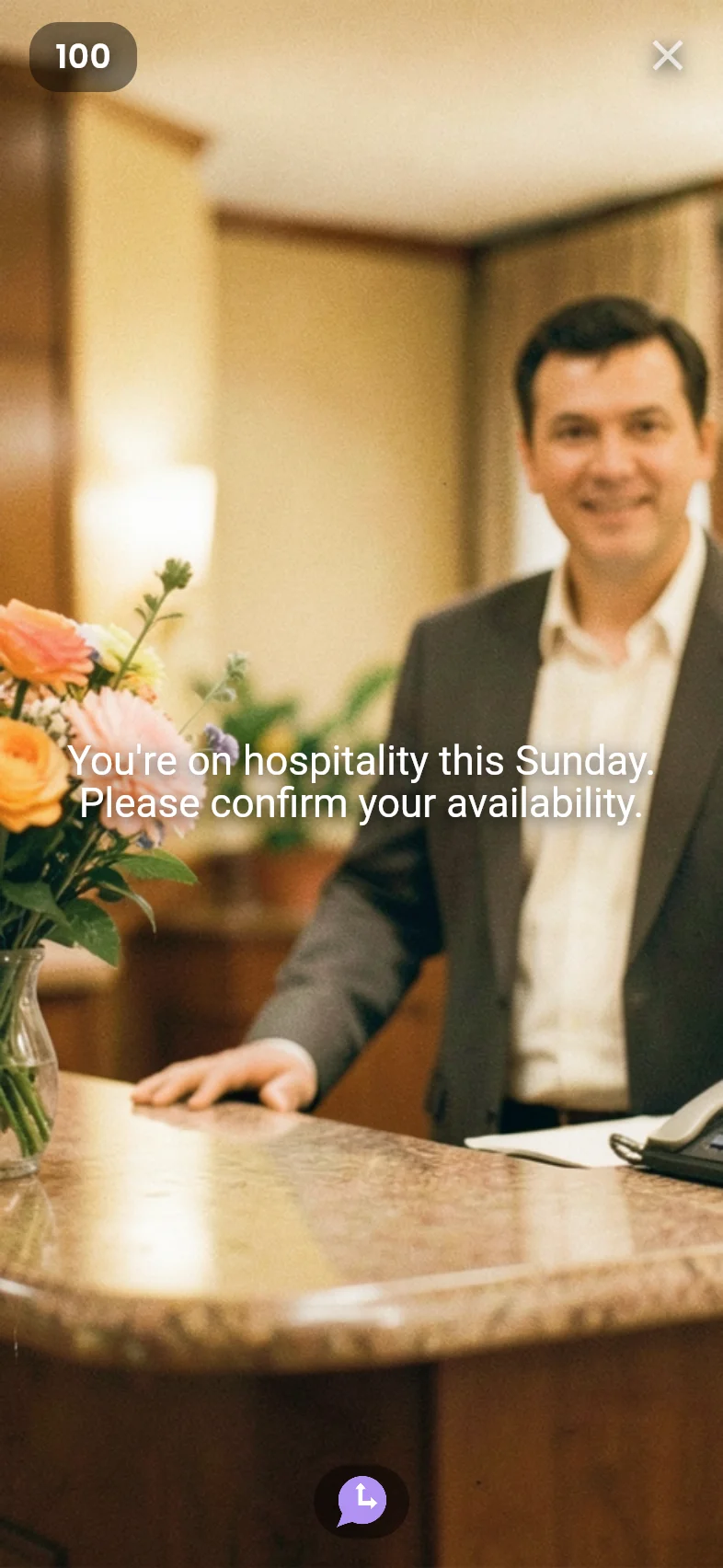
Example: "You're on hospitality Sunday. Confirm / Need swap / Can't make it."
Inspire
Fresh generated content tailored to the moment. You provide the seed; Cronote writes a new note when it fires.
You set: Seed prompt and optional creator guidance.
Example: A weekly team affirmation that never repeats.
Snap
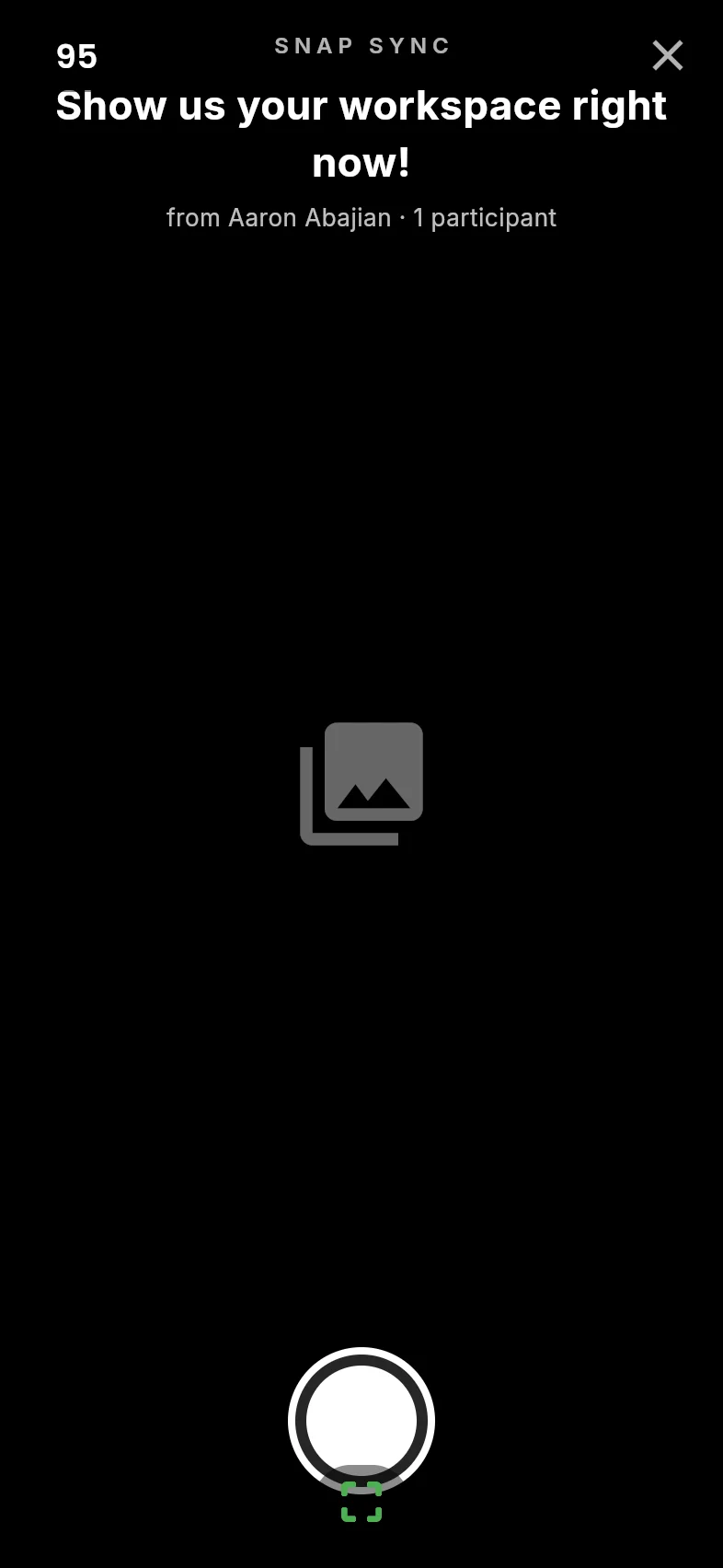
Synchronized photo capture. Everyone snaps when prompted and sees a confirmation with their own photo. Add a Reveal step to show all photos together.
You set: Prompt text and optional background media.
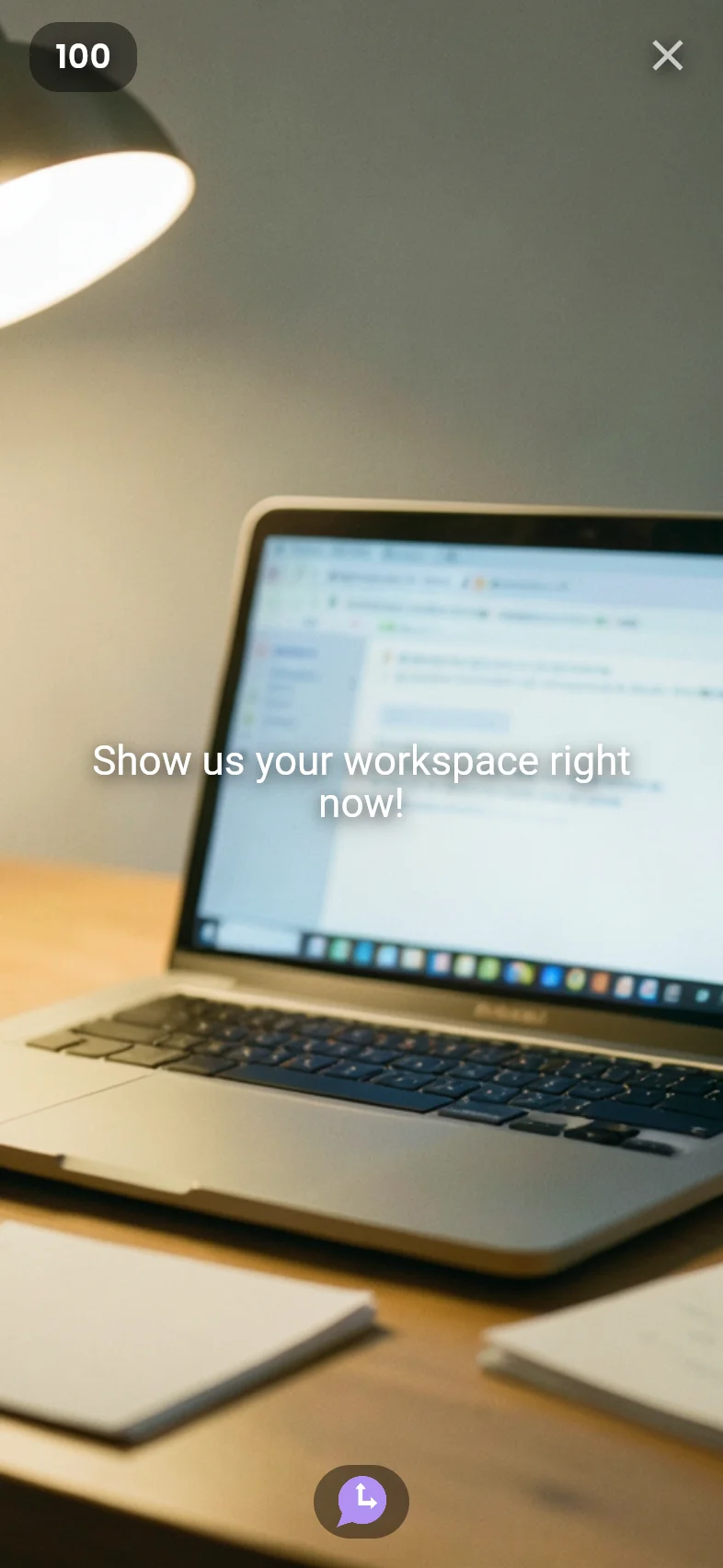
Example: "Snap a photo of your workspace right now."
Location
Location sharing. Each participant drops a pin and sees their own position on a map. Add a Reveal step to show all pins and the group midpoint.
You set: Prompt text and optional background media.
Example: "Drop your location so we can find the midpoint for dinner."
Reveal
Discloses collected data from prior chain steps. Shows all submissions from every Snap, Decision, and Location sync before it.
You set: Nothing. Place it after collection steps and it gathers their data automatically.
Example: After a Decision vote and Snap photo, Reveal shows all votes and all photos together.
Ticker
A scrolling banner across every phone. Set speed to zero for a static full-screen message.
You set: Message text, optional image or video, scroll speed, and optional duration.
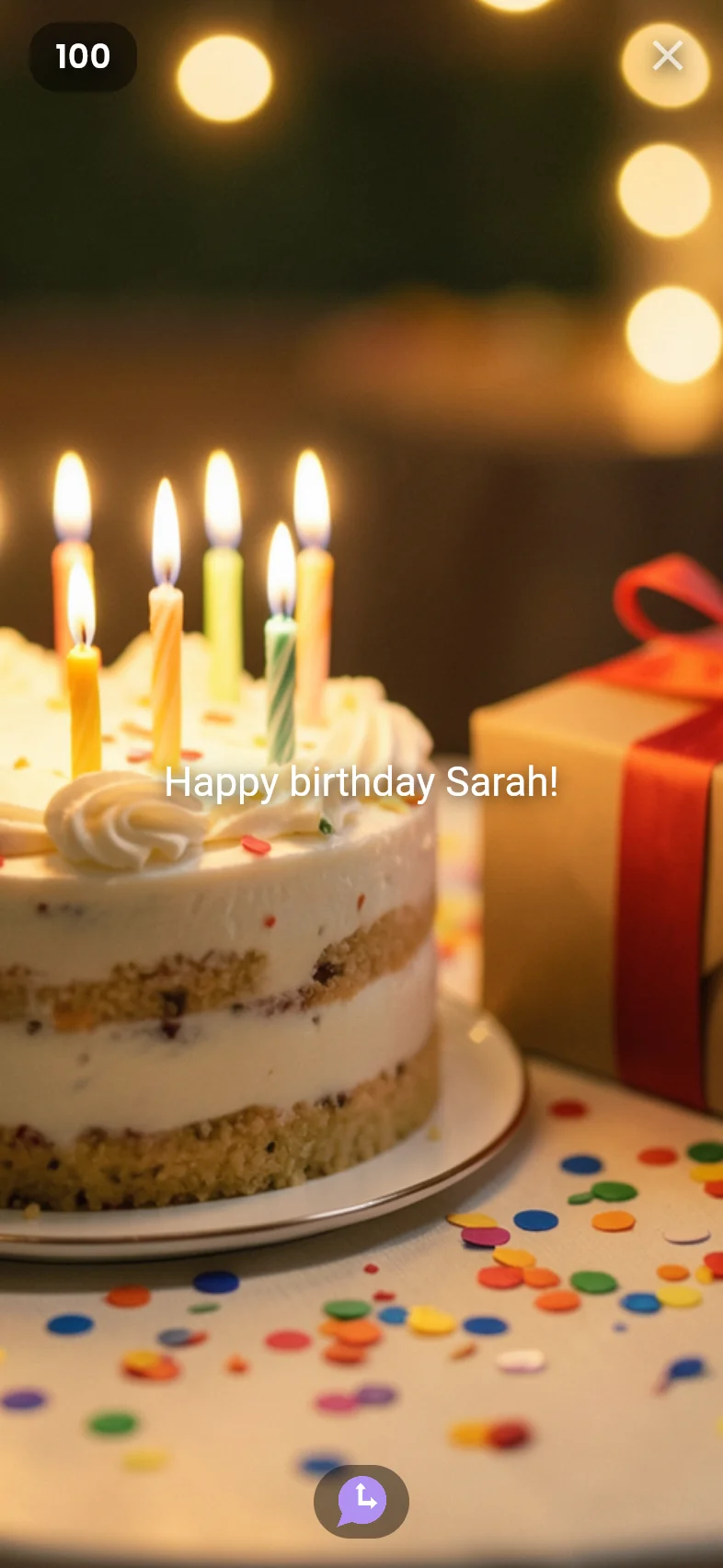
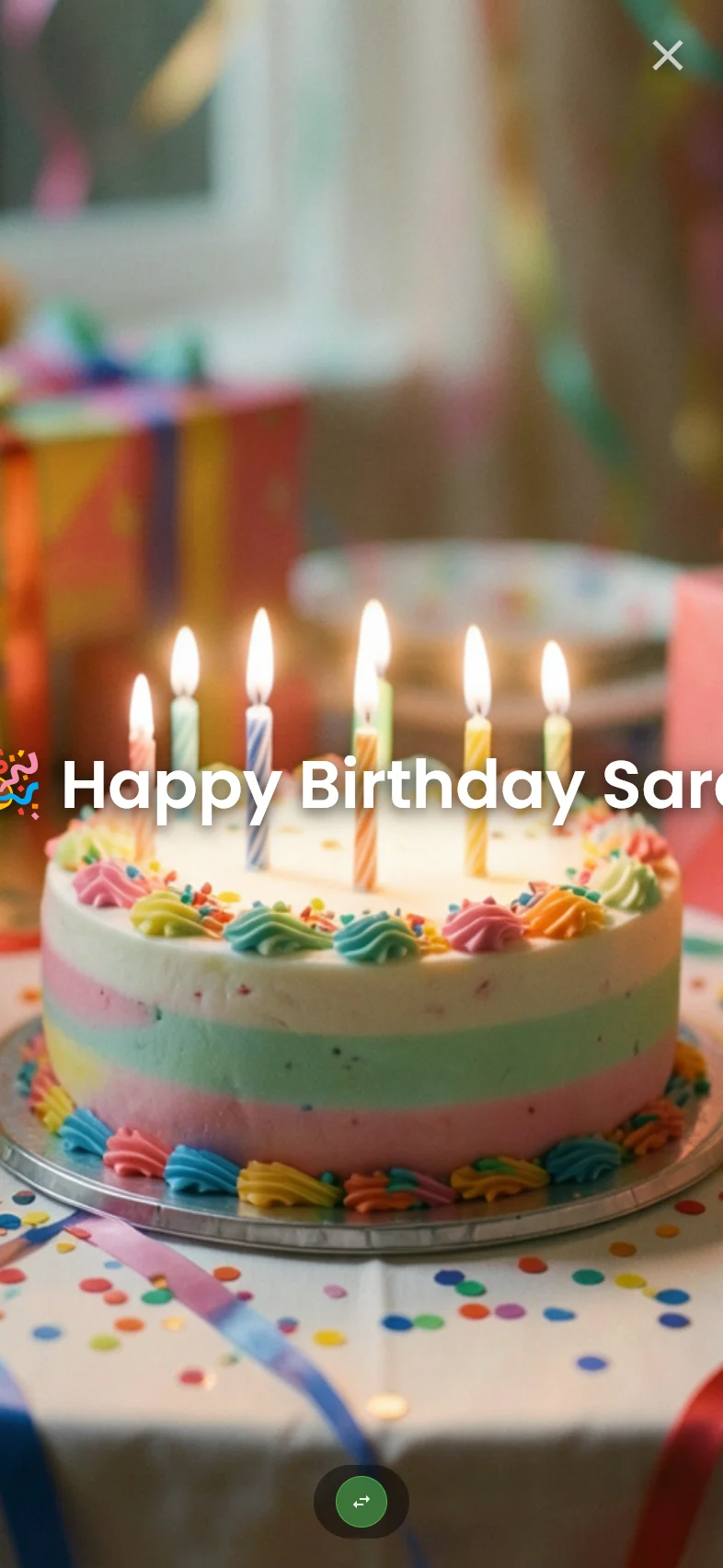
Example: "Happy birthday, Sarah!" scrolling across 20 phones at 9am.
Relay
Spotlights one phone at a time, passing the message around the group in sequence.
You set: Message text, optional media, display time per phone, and optional duration.
Example: A thank-you message that visits each volunteer's screen one by one.
Ball
A red ball bounces across all connected devices in sync. Phones arranged side by side form one continuous arena.
You set: Message text, optional image or video, speed, and optional duration.
Example: A playful finish at the end of a team standup chain.
Building a chain.
Example: build a family dinner meetup. One schedule, one recipient list, and a Reveal that gives everyone the shared result.
Family members
Choose who receives it. No app required, and Cronote members are free.
Moment
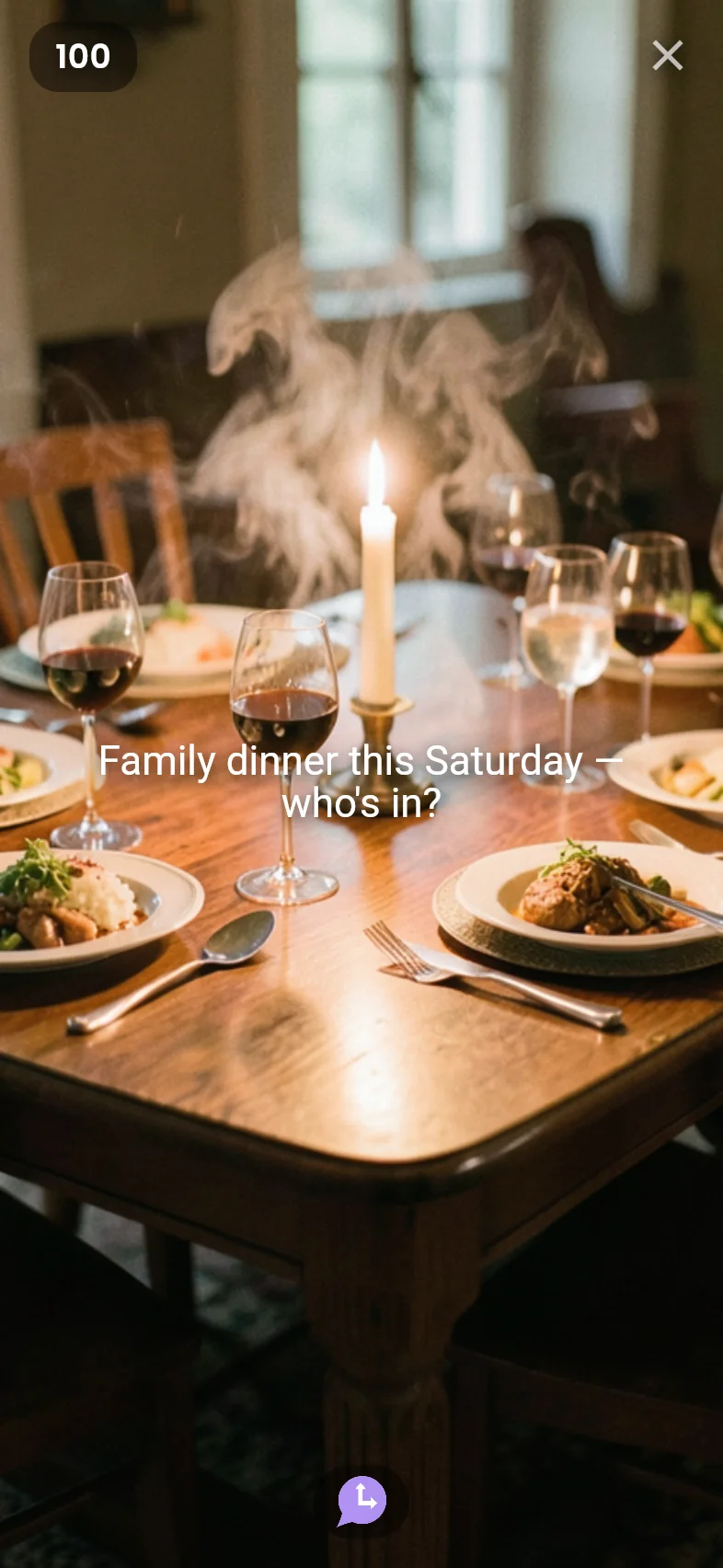
"Family dinner this Friday at 6:30." Add a visual reminder so everyone recognizes the plan when it arrives.
Decision
Ask "What should we eat?" with choices like Thai, pizza, sushi, and tacos. Each person picks privately.
Reveal
Reveal the group vote to everyone at the same time, so the winning dinner choice becomes part of the shared moment.
Schedule
Send it Friday afternoon to the family group. Everyone gets the same sequence and sees the final result together.
How this plays out: Each person opens the dinner reminder, votes privately, then taps forward to see the shared Reveal. Collection steps such as Decision, Snap, and Location stay private until a Reveal step discloses the collected data to the group.
Real examples.
Each example shows how a reminder can become a short sequence: a nudge, a response, then a shared result.
Sunday hospitality check-in
A Moment reminds the team they're on duty, a Decision collects confirmations, and a Reveal shows the leader who's in.
Moment
→
Decision
→
star Reveal
Hospitality responses
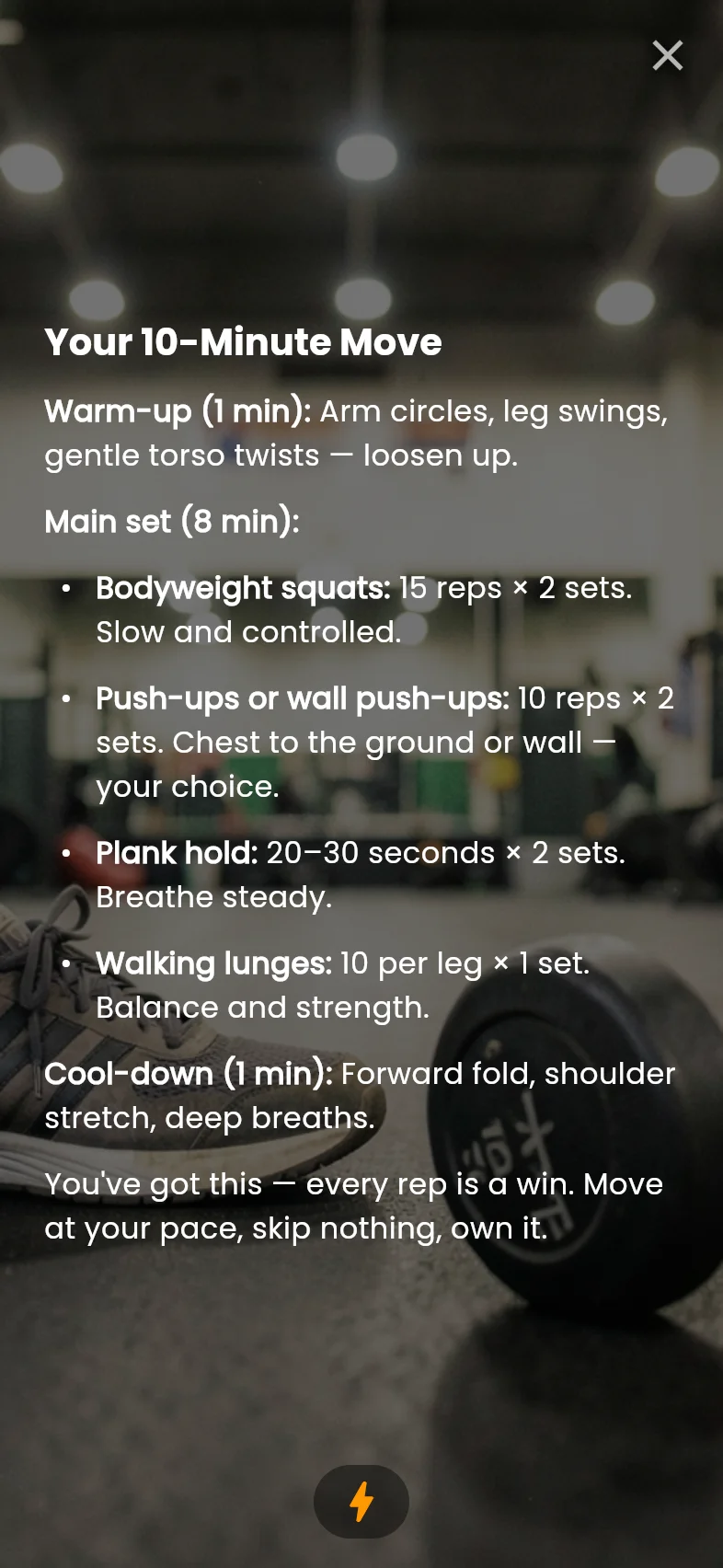
Daily workout with fresh coaching
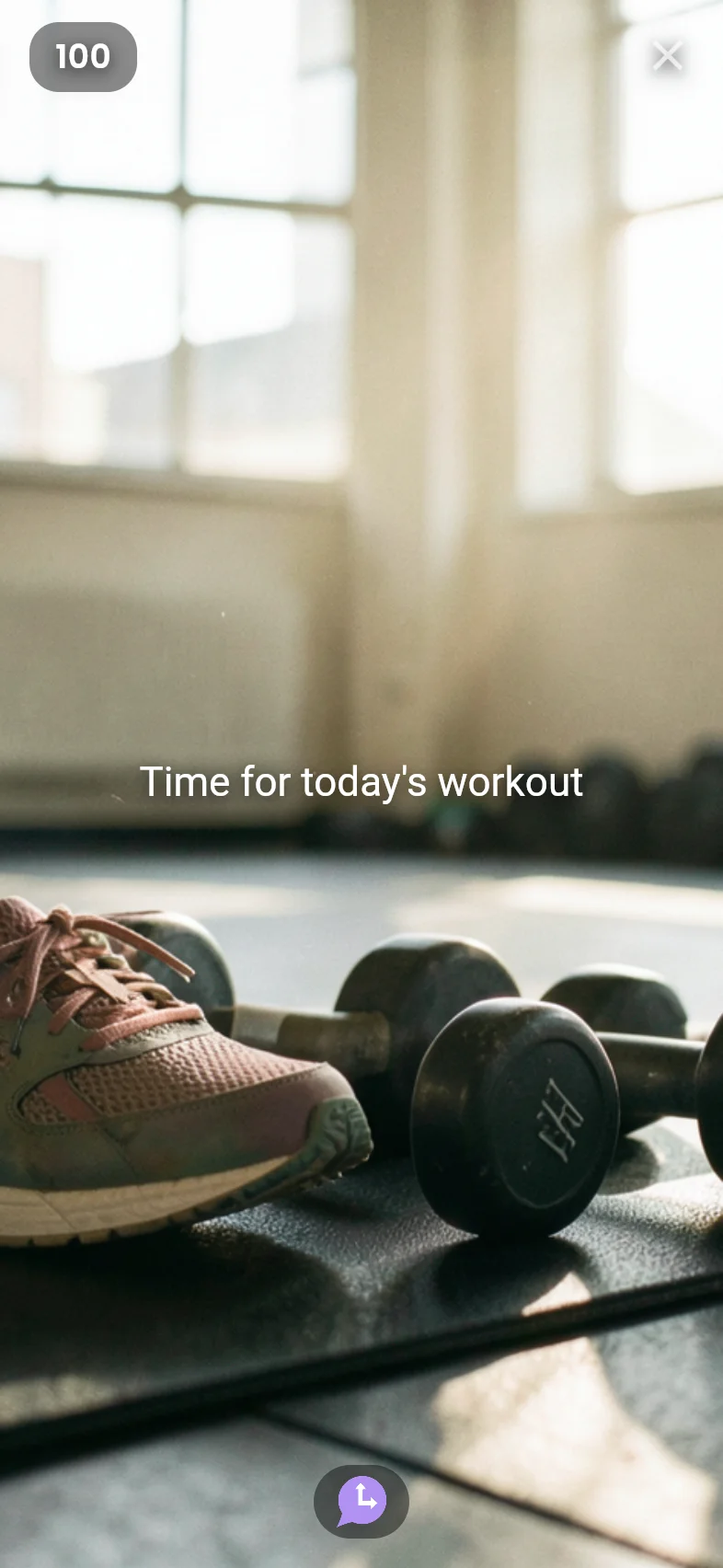
A Moment nudge arrives with a generated image, then Inspire writes a fresh bodyweight routine that never repeats.
Moment
→
bolt Inspire
Family dinner meetup
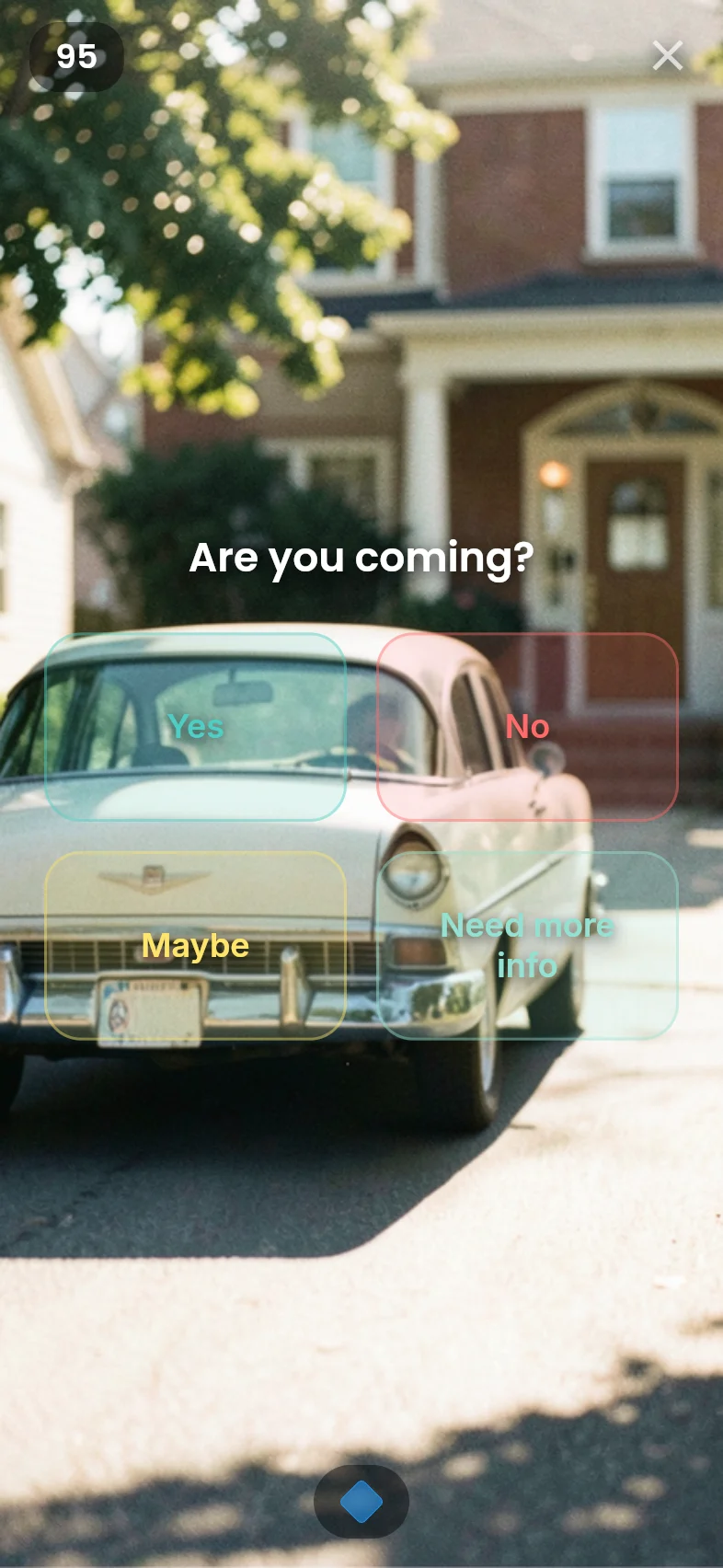
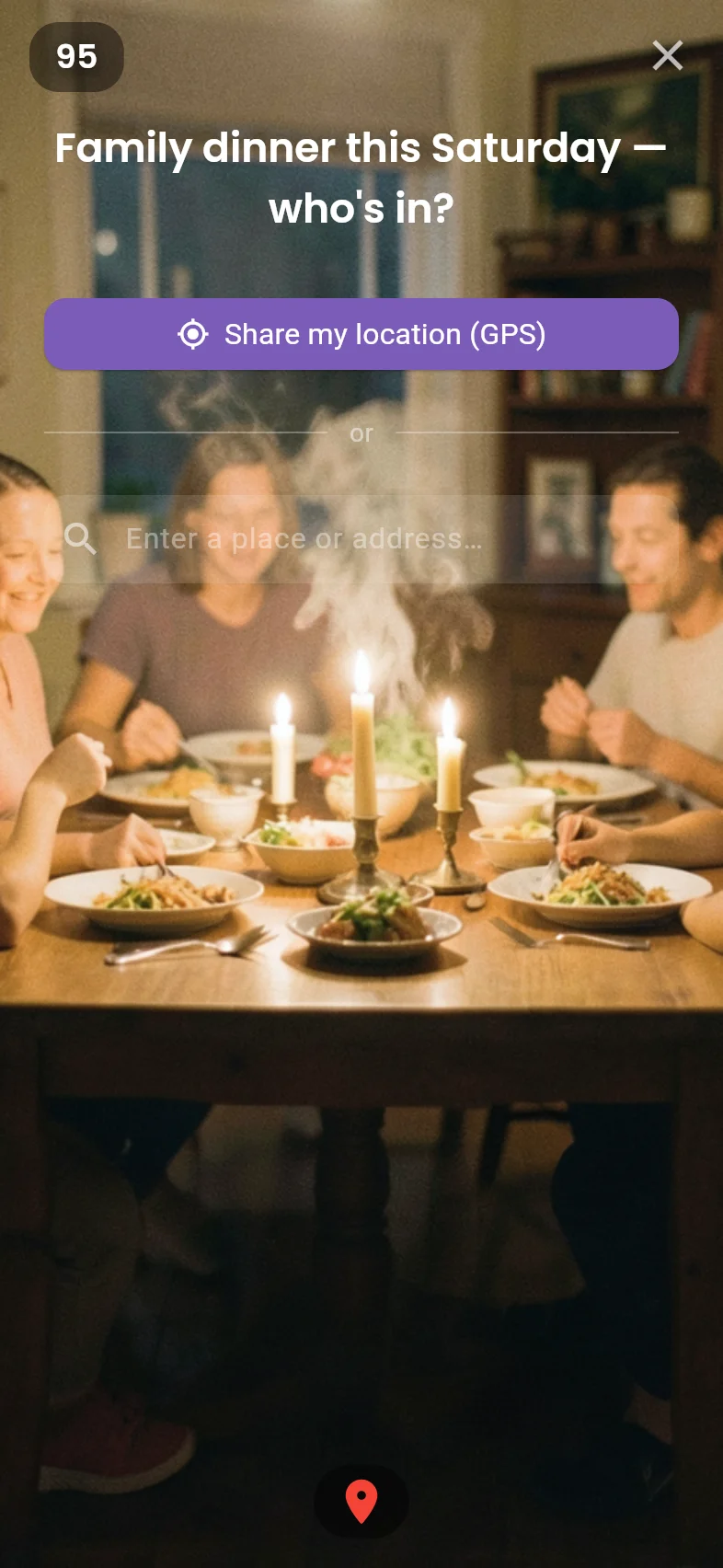
RSVP via Decision, share your Location, and Reveal finds the midpoint restaurant for everyone.
Moment
→
Decision
→
location_on Location
→
star Reveal
Dinner midpoint
Async standup + focus note
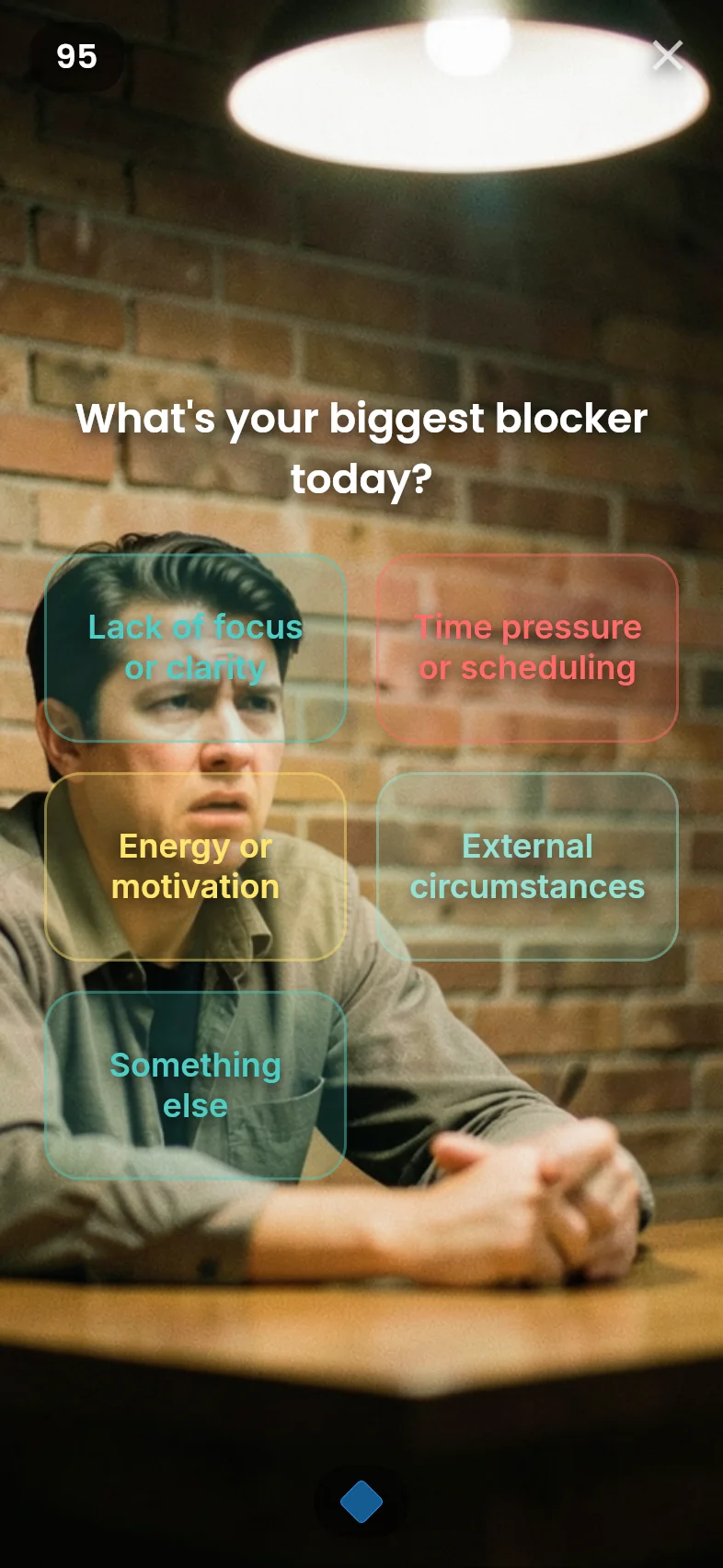
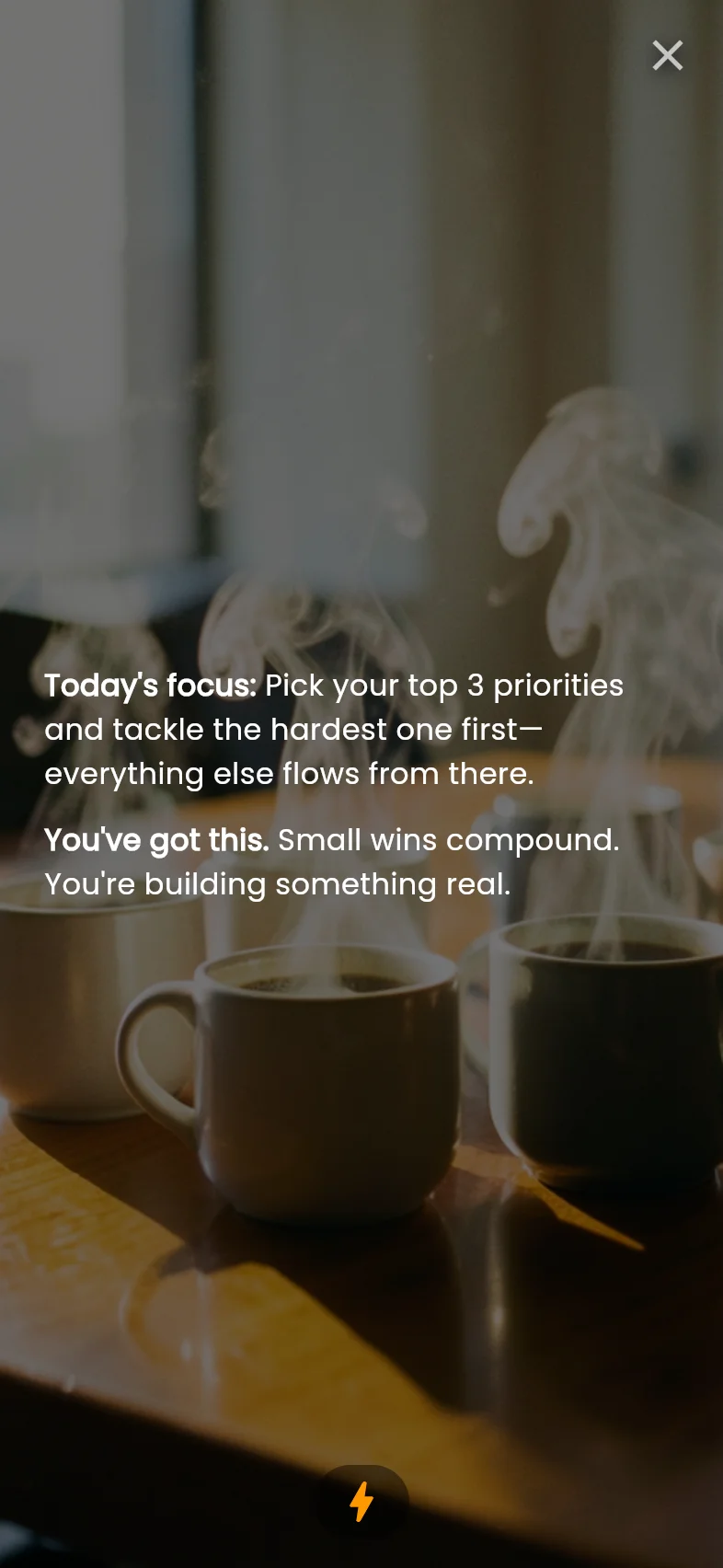
A Decision poll surfaces blockers, then Inspire generates a daily focus note tailored to the team's context.
Moment
→
Decision
→
bolt Inspire

Group photo challenge
Everyone gets a Snap prompt and captures a photo at the same time. Reveal shows the full photo grid to the group.
Moment
→
crop_free Snap
→
star Reveal
Workspace photos
Birthday surprise banner
A Moment delivers the announcement, then a Ticker banner scrolls across everyone's screen at the same time.
Moment
→
swap_horiz Ticker
Try a Syncro in 30 seconds.
Free, no credit card, no subscription. Every Syncro type includes app and email delivery.