
Stop chasing participants before every visit.
Set the schedule once. It runs the whole study.
Cronote sends your participants a visit reminder by text or email, automatically, on the schedule you choose. They confirm or ask to reschedule with one tap in their browser, no app and no account. If someone has not answered by your deadline, the coordinator gets a notification, so you hear about a shaky visit days before it becomes a no-show.


Free to start. Messages carry no PHI, only the visit date, time, and location. A Business Associate Agreement is available for research sites, email cronote@cronote.com. Sending reminders since 2010.
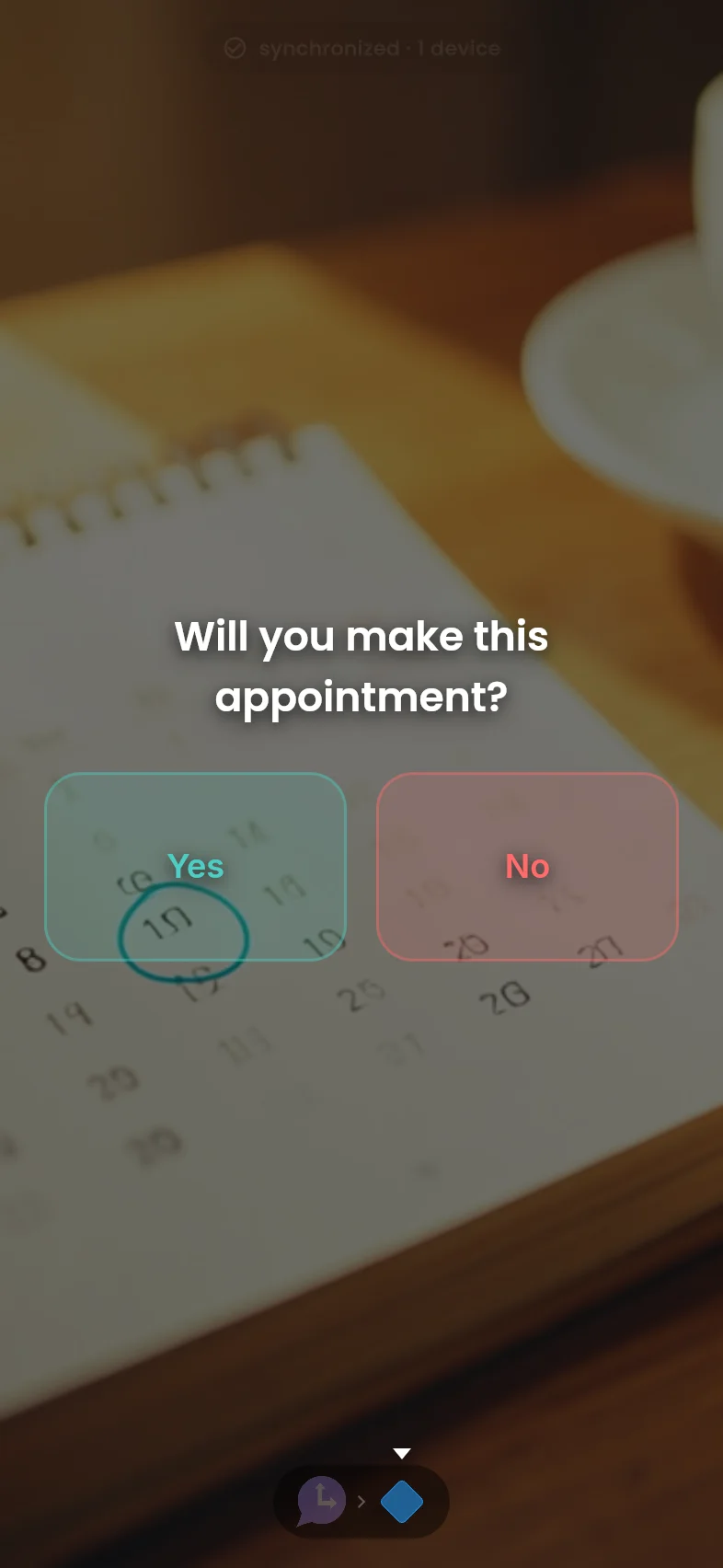
A missed visit is not a missed appointment. It is a protocol deviation.
Most coordinators remind participants by hand: a call the week before, a text the day before, a note in the chart. It works, until the week two studies enroll at once and something slips.
The schedule, the confirmation, and the flag.
- Create the visit reminder: "Your study visit is Tuesday at 9am. Can you make it? Confirm or Need to reschedule." Use merge fields like the participant's first name, and set reminders days or hours before each visit.
- Import your roster: Upload participants from a CSV, phone numbers or emails. Each person gets a normal text or email and answers with one tap in their browser. No app, no account, no password.
- See who confirmed: The roster shows confirmed, needs reschedule, or no response for every participant, visit by visit. A reschedule request reaches you the moment it happens.
- No answer by your deadline? You find out: Set a no-answer deadline, like 48 hours before the visit. If a participant has not confirmed by then, Cronote notifies the coordinator while there is still time to call.
- Confirm your email: One tap after you sign up, so your reminders are never held. This is the step people skip and regret.
Three reminders that carry a study.
Set them up once per participant or import the whole roster. They run on their own, and you only hear about the exceptions.
The visit-week confirmation
A few days out: "Your visit is Tuesday at 9am. Can you make it? Confirm or Need to reschedule." One tap back and the roster updates. No answer by your deadline and the coordinator gets a notification instead of a surprise.
 Moment→
Decision
Moment→
Decision

The day-before nudge
The afternoon before: "See you tomorrow at 9am, Building C, third floor." Short, expected, and it catches the participants who confirmed last week and forgot since.
Moment
The between-visit check-in
For long gaps between visits: a monthly "still with us? Anything changed with your contact info?" touchpoint. Participants who feel remembered stay enrolled, and a bounced number surfaces months before it costs you a visit.
Moment→
Decision

Free to start. Texts cost cents, not $99 a month.
Every feature is free, with app and email delivery included. Text messages use one credit each: buy a one-time pack, no monthly fee, and credits never expire. A typical 80-participant study runs roughly $20 to $32 a month in texts.
Free
- Scheduled visit reminder sequences
- One-tap confirm or reschedule
- No-answer notifications
- CSV roster import
- 10 free text credits to start
500 texts
- A month or two for a mid-size study
- No monthly fee, ever
2,000 texts
- Multi-study sites and long protocols
- Reminders at scale
Common questions
Do the messages contain PHI?
No. Reminder messages carry only the visit date, time, and location, plus a confirmation link. No study data, no arm, no condition information. Confirmations happen on the web link, not in the message thread. For sites that want one, a Business Associate Agreement is available, email cronote@cronote.com.
Do participants need to install an app?
No. The reminder arrives as a normal text message or email, and participants confirm or ask to reschedule with one tap in their browser. There is nothing for them to install, sign up for, or remember.
What happens when a participant does not answer?
You choose a deadline, like 48 hours before the visit. If a participant has not confirmed by then, Cronote sends the coordinator a notification so you can call while there is still time to save the visit. Participants who confirm on time never trigger it.
Can I import my participant roster?
Yes. Upload a CSV with names and phone numbers or emails and the roster is ready in minutes. You can also add or remove participants one at a time as enrollment changes.
Do I need IRB approval to send visit reminders?
Appointment reminders are generally treated as routine scheduling communication, but your IRB has the final word, and many sites add a short description of automated reminders to their protocol or consent materials. We publish ready-made language you can adapt: see the IRB language article below. This is not legal or regulatory advice.
How much does it cost for a real study?
Cronote is free, including app and email delivery. Text messages use one-time credit packs that never expire: at 3 cents a text, an 80-participant study sending 6 to 10 messages a month runs roughly $20 to $32 a month. There is no subscription and no per-study platform fee.
Set it up before the next visit window.
Import your roster, write the reminder once, and the study runs on schedule from now on. Free to start, no card required. Research sites can request a Business Associate Agreement at cronote@cronote.com. Remember to confirm your email so delivery is never held.