
Appointment and client reminders
that cut your no-shows.
Send appointment confirmations and recurring reminders to your whole list by text, email, and push. Each one carries a picture and a one tap confirm. Your clients install nothing and make no account.

Over 1 million reminders delivered since 2010. Trusted by clinics, practices, and churches.
Every no-show is paid-for time, gone.
Reminding clients by hand eats your day, and the reminders still slip. Here is the loop that costs you.
Build it once. Send it to your whole list.
- Make a template once: Write the reminder, set the time, and choose how often it repeats, like the day before and the morning of.
- Send to your list: Add clients by phone number or email. They get the reminder and install nothing. No app, no account, no login.
- Reach them where they are: Every reminder can go by text, email, and push at once, so it lands no matter which channel a client actually reads.
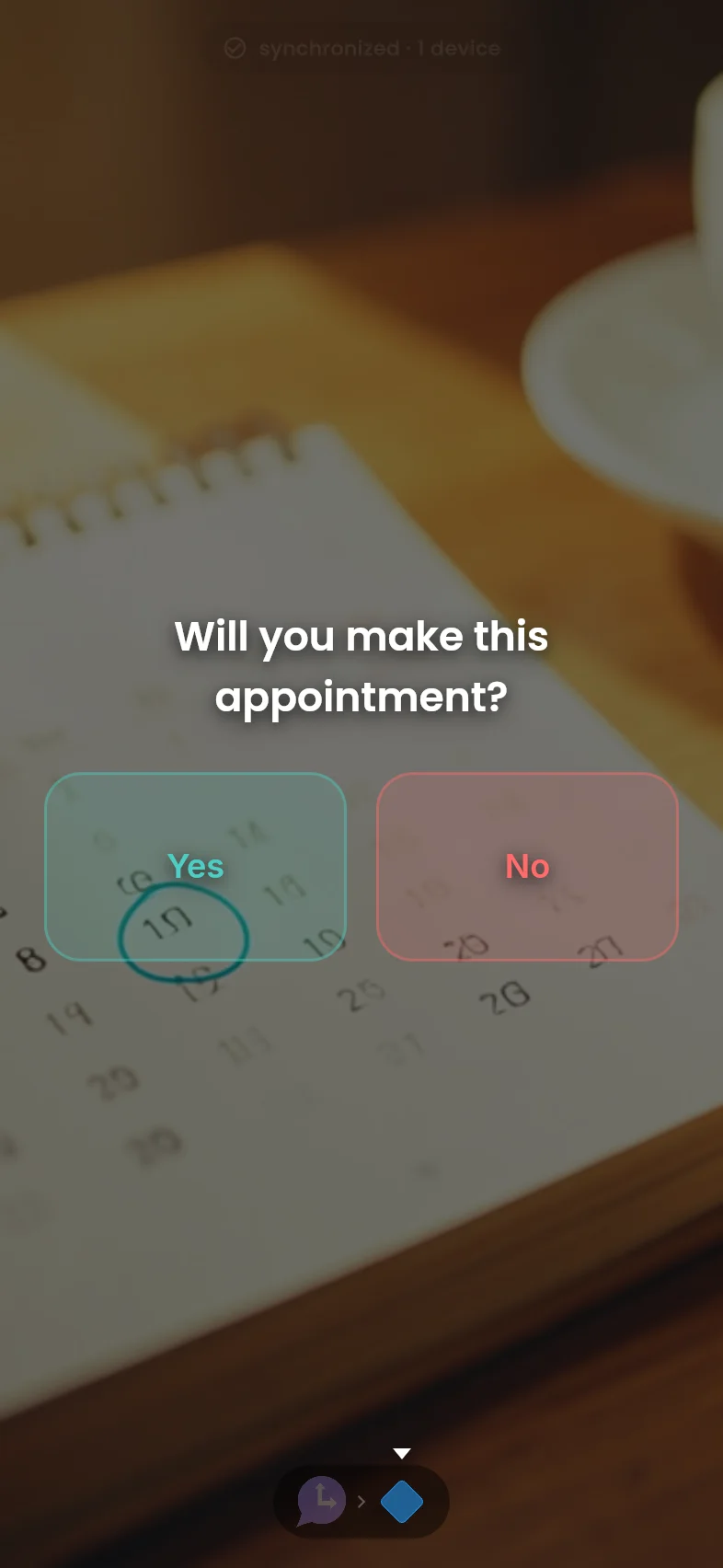
- They confirm with one tap: Add Confirm, Reschedule, and Cancel buttons so a single tap tells you who is coming, without a phone call.
- See who has not confirmed: A Needs attention list gathers every client who has not confirmed or replied, across your recent reminders, so you chase only the exceptions.
- Follow up automatically: Set a follow-up message and a wait time. Anyone who has not answered gets it on their own, and you get a note.
- See the month at a glance: A calendar view shows every reminder due, day by day, so a packed week never surprises you.
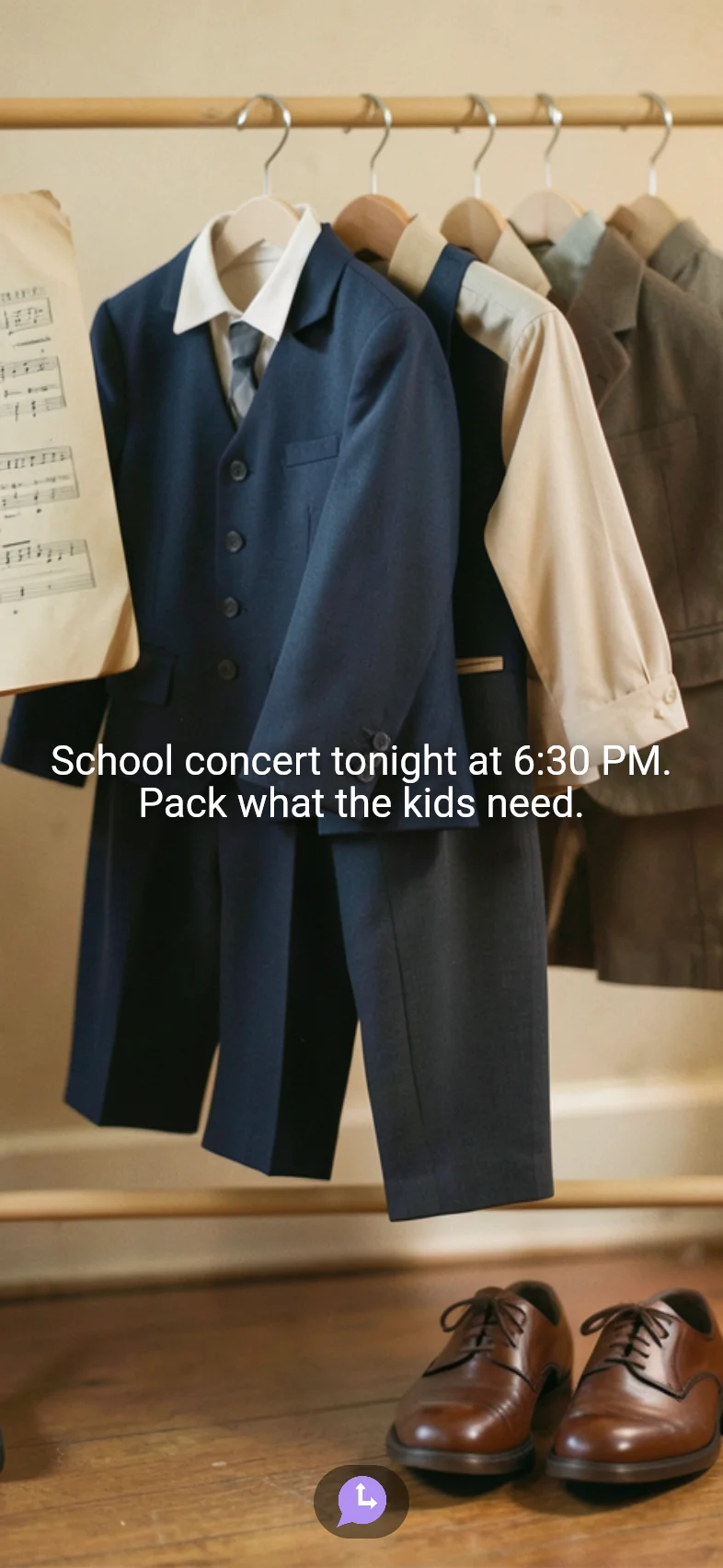
- A picture every time: Each reminder carries a generated picture that refreshes over time, so a weekly reminder doesn't get filtered out.
- Recurring and hands-off: Set a recurring reminder once and it goes out on schedule, with fresh content each time, until you turn it off.

Confirmations, recalls, and rosters.
Chain a reminder, a one tap response, and a follow-up into one flow your clients move through at their own pace. You build it once and send it to everyone.
Appointment confirmations
Moment sends the reminder with the date, time, and a picture. Decision asks the client to Confirm, Reschedule, or Cancel with one tap, so you know who is coming before the day starts.
 Moment→
Decision
Moment→
Decision

Client recalls that come back
Inspire opens with a fresh, friendly nudge so a recall reads as a courtesy, not a sales push. Decision then asks Book now, Remind me later, or No thanks, so re-bookings happen without a call.
Volunteer and staff rosters
Moment sends the shift or service reminder to the whole group at once. Decision asks I'm in or Can't make it, so you see your roster fill in without chasing anyone by text.
Moment→
Decision
Start free. Pay only as your reach grows.
Every feature is free, with app and email delivery included. Text messages use one credit each: buy a one-time pack, no monthly fee, and credits never expire.
Free
- All reminder flows
- Text, email, and push
- One tap confirmations
- Recurring reminders
- 10 free text credits to start
Common questions
Do my clients have to install an app?
No. You build the reminder once and it reaches your clients by text, email, or push with a one tap link. There is nothing for them to install and no account for them to create. Installing the free app is an optional upgrade for real time push, never a requirement.
How does this reduce no-shows?
Each reminder can go out on a schedule you set, like the day before and the morning of, across text, email, and push at once. A one tap Confirm, Reschedule, or Cancel tells you who is coming before the day starts, so you can fill gaps early instead of finding out at the appointment time.
How do I know who has not confirmed?
Every reminder with a confirm question feeds one Needs attention list: each client who has not confirmed, or asked to reschedule, across your recent reminders and send times. Open it, see who is missing, and follow up. If you set a follow-up message, Cronote sends it to the people who have not answered after the wait time you choose, and lets you know.
Can I use this for a medical or dental practice?
Yes, for appointment reminders. Keep the reminder content general, like the date and time of a visit, and leave out medical details. Cronote is a scheduling reminder tool, not a medical records system, and is not certified for protected health information today.
Can I send to my whole client list at once?
Yes. Add your clients by phone number or email and send the same reminder to everyone, or set it to recur on a schedule. Each person gets their own reminder with a one tap response.
What does it cost?
Free to start, no credit card. Cronote is free, including app and email delivery; text messages use one-time credit packs that never expire. Paid tiers raise only how many different people you reach by text or email each month. People who also use Cronote are always free to reach.
Will it work for clients on any phone?
Yes. Reminders go out by text or email, which reach any phone, and by push to anyone who installs the free app. You do not need everyone on the same device or platform.
Cut your no-shows this week.
Free plan, no credit card. Build one appointment reminder and send it to your list. They install nothing.